Many teachers have been using Microsoft Word™ for years to create resources.
I was one of those teachers. Every time I wanted to make a worksheet or test, it was a nightmare. The formatting issues were so frustrating!
I’m pretty tech-savvy, and it gave me a headache.
In this post, I’m going to tell you why I don’t think you should Word. I’ll also tell you what you should be using instead!
1. The Pages Are Continuous
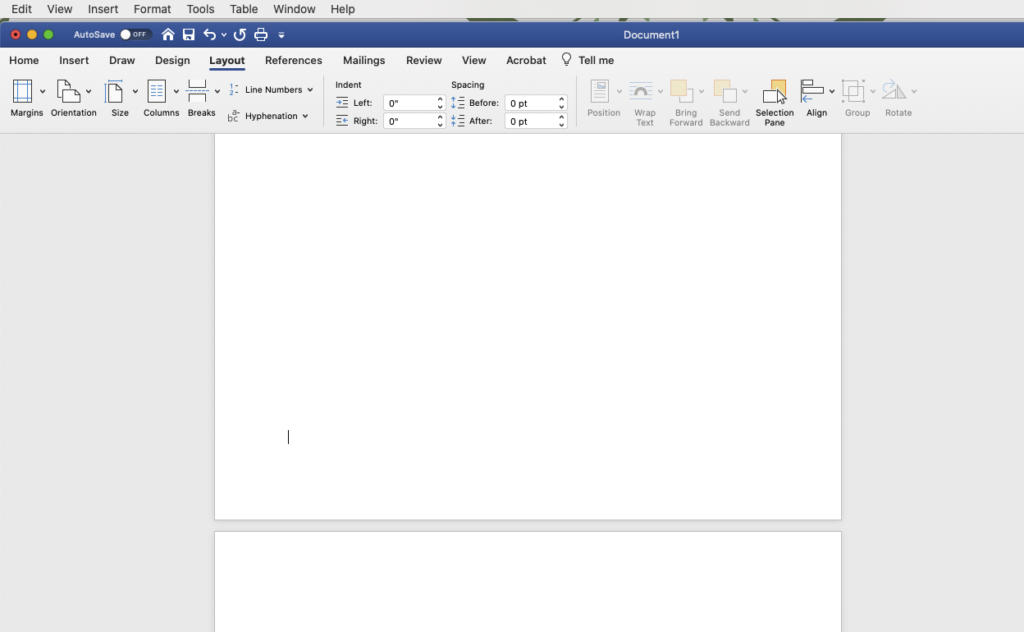
When using Microsoft Word, the pages are continuos. That means when you type to the end of one page, it automatically continues on the next page.
You may be thinking…Why is that bad?
It’s not necessarily bad. Sometimes, it’s useful. However, if you’re making a worksheet and you want everything to stay on one page, you don’t want the text to automatically jump to the next page.
This is especially frustrating when you go back and insert any object, text, or shape in the middle of text you’ve already written. Half of your text will jump to the next page. Then you have to format everything you’ve already done.
2. Good Luck Inserting Shapes or Pictures (or any object for that matter)
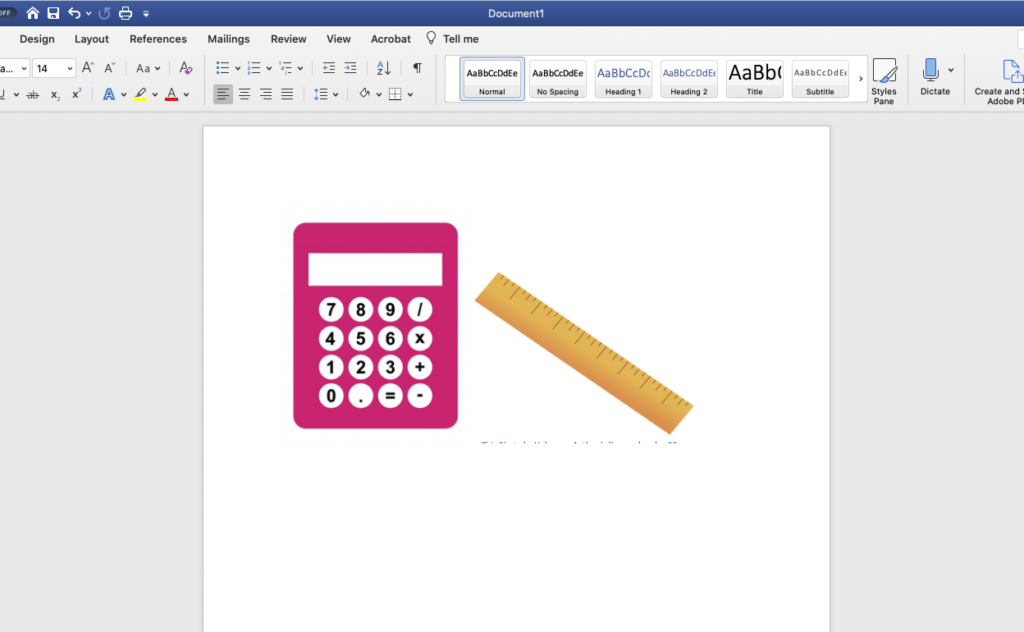
Microsoft Word has strict formatting parameters. Any time you insert a shape or picture, you can only place it in certain spots on the page.
And good luck trying to add an object in the middle of text. It can literally mess up the entire document (been there, done that).
You can’t place objects on top of other objects (or even near other objects) which can be a problem when you’re making complicated graphics (like the ones below).
Word is meant for WORDS (makes sense, right?). It’s just not great for graphics.
3. There Is a Much Better Program
The best (and cheapest) program for making worksheets is…drum roll please…
PowerPoint!
Yep, the old school presentation program.
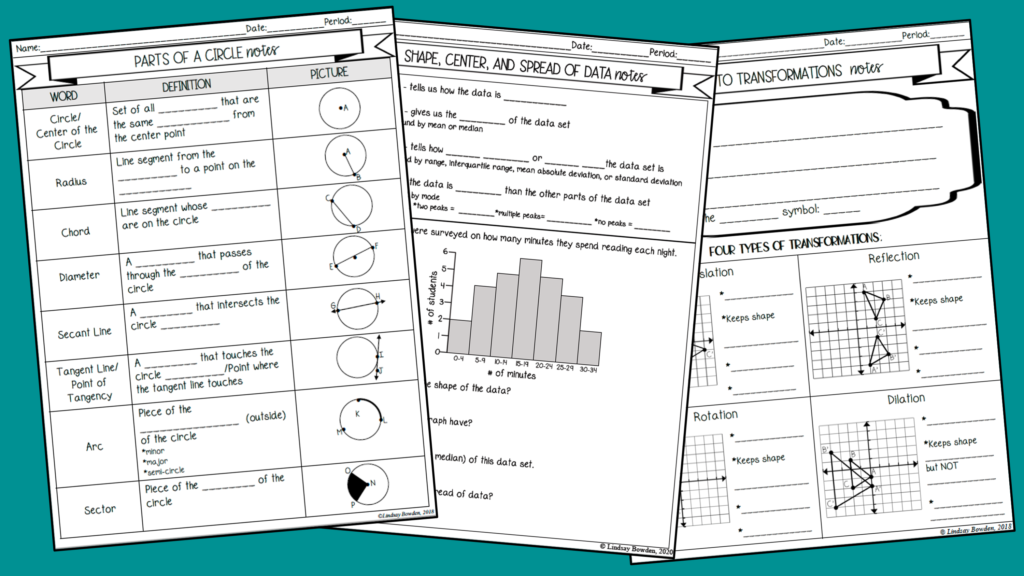
I made every resource you see in the picture above using PowerPoint.
Why?
Here are just a few reasons:
•You can put anything (shapes, text, pictures, etc.) anywhere on the paper
•No margins unless you want them
•Formatting and reformatting is a breeze
•One wrong move won’t ruin the entire document
If you want more information about how I create all of my math resources in PowerPoint, grab my free cheatsheet here. It’s a printable 5-step guide to get you started!
Want to learn more about creating engaging resources! Head to LindsayBowden.com/Training to sign up for my FREE training on creating engaging math resources!
You may also like: